
Name-Based Cloud County Case Searches
For a name search, open the Kansas CaseSearch guest form and use Party Name. Its live tip asks for Last Name, First Name. A middle name is optional. Three letters of the last name plus one of the first will do. An asterisk widens a partial term, so Smith* or Smith, J both work.
- Open Kansas CaseSearch and accept the public-access notice.
- Keep Court set to District for a Cloud County trial case.
- Select Party Name, type the name in the stated order, and choose Cloud County if prompted.
- Add case type, birth date, or filing dates only when they help distinguish matches.
- Complete the human check, press Search, and compare the resulting number and party roles.
Common names pull up strangers. Before reading the event history, match the court, the case category, the case number, and the party's role. Even then, a name hit is just a lead, not a certified identity finding.
Search Cloud County in CaseSearch
The current CaseSearch form splits its controls into several parts. You get Court, Search Type, Search Term, county, and optional filters. Cloud County comes from a dropdown. It is not a free-form guess. The Court control offers District and Appellate. Appellate mode reaches Kansas appellate records only. It is not a second route into an ordinary Cloud County district case.
| Field | Type | Required | Cloud County use |
|---|---|---|---|
| Court | Select | Yes | Choose District |
| Search Type | Select | Yes | Number, party, business, party as business, or citation |
| Search Term | Text | Yes | Format changes with search type |
| County | Select | Conditional | Choose Cloud County |
| Case Type | Select | No | Criminal, Civil, Family, or Probate/Mental Health |
| DOB and file dates | Date | No | Narrow only when useful |
Reset the form whenever you change strategy. A stale filter can hide the right Cloud County case even when the name or number is perfect.
Case Number Searches
A full case number is the most precise route. The live portal tip uses a four-digit year and a type code, like 2024-CR-000123. It also shows a county-prefixed number such as JO-2024-CR-000123. No Cloud-only prefix example is published. Copy the number exactly from your notice rather than guessing. The digits break down simply. The year marks the filing year. The letters name the case category. The trailing digits form the sequence. Keep every zero and dash. When no county prefix appears, select Cloud County if the form asks. District mode finding nothing is not a reason to jump to Appellate mode. Appellate numbers follow a different format, one without the district year-dash-letter pattern.
Five Cloud County Guest Search Types
The inspected guest interface presents five choices. Each changes the expected search term.
Case Number: enter the complete district case number.
Party Name: use last name, comma, then first name; wildcards are supported as described.
Business Name: enter at least four characters and use an asterisk for a partial business name.
Party As Business Name: use the person-name pattern when an individual appears in that role.
Citation Number: enter the full citation or ticket number.
Older Smart Search material lists more options than the current guest page exposes. Attorney, officer, warrant, and cross-reference searches appear in historic guides, but do not expect them today. For the input examples that actually govern the form, the official live CaseSearch tips source documents each one.
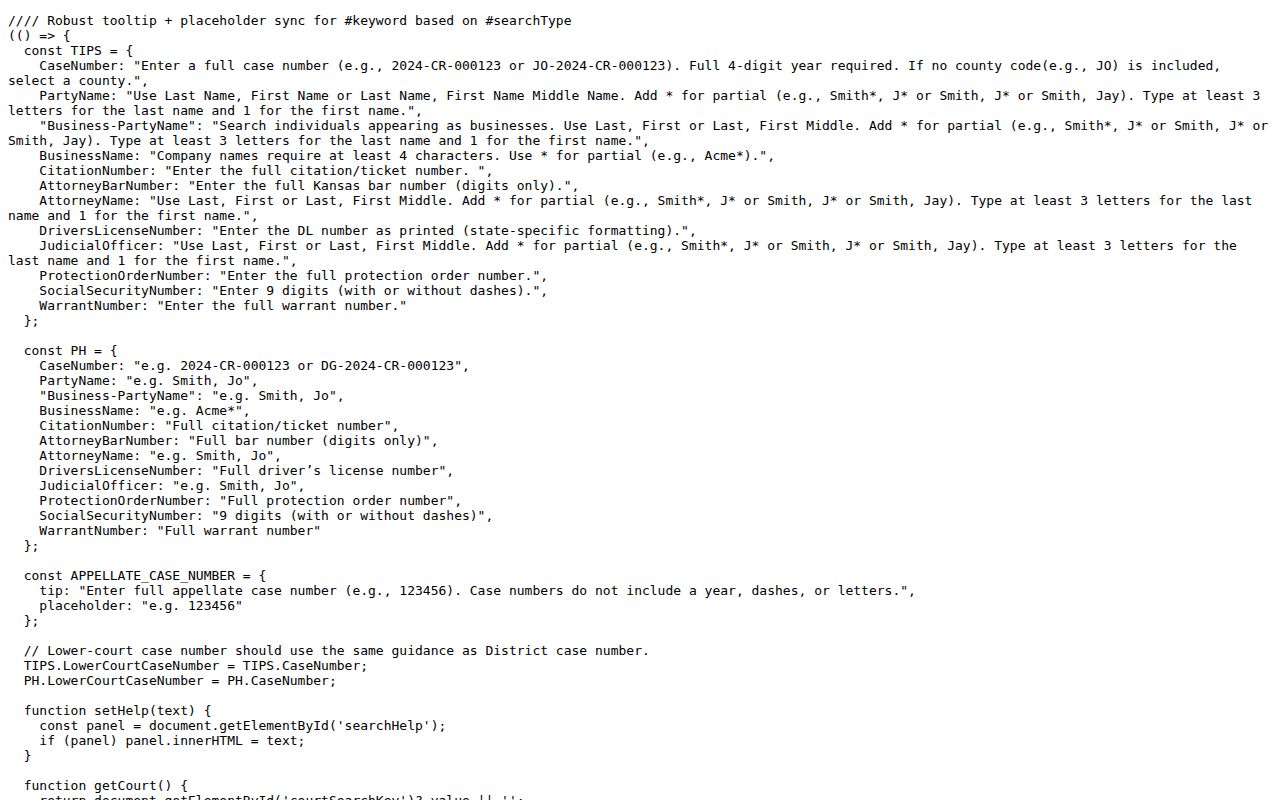
Those tips earn their keep. They spell out real input syntax, not generic search advice.
Cloud County Case Search Results Explained
A matching header opens the door to parties, roles, judge information, hearing dates, events, disposition entries, and public document links. What shows up varies by case and by when the court joined the Kansas eCourt system. One caution applies everywhere: a case-information hit never promises that every filed paper is viewable online.
| Case Number | The unique district identifier used to reopen the search. |
|---|---|
| Case Type | The criminal, civil, family, probate, or mental-health category. |
| Parties and Roles | Names with their procedural roles, subject to access limits. |
| Judge | The assigned judicial officer shown by the public record. |
| Events Index | The chronological docket view of filings, settings, orders, and outcomes. |
| Documents | Public images or links when electronic access is permitted and available. |
Read the header before the chronology. Then keep the distinctions straight: a charge is not a disposition, a motion is not an order, and a scheduled setting is not what later happened.
The Cloud County Human Check
CaseSearch keeps its submit button disabled until the Cloudflare Turnstile verification finishes. The label reads “Human check…” before verification. Once the check passes, it becomes Search. The verification is a real gate, and a failure there says nothing about the case itself.
No search button? Confirm Court, Search Type, and Search Term, then finish the human check.
Use Reset before a new query if the filters behave unexpectedly.
A failed human check is not an empty docket. Retry in a normal browser. If the interface still fails, write down your search terms and move on to the courthouse terminal or the clerk rather than reading the error as a clear record.
Two Ways to Search: County and State
Kansas CaseSearch is statewide, and Cloud County is simply a county choice within its District search. No separate full Cloud County web docket exists. The courthouse terminal and the clerk are local access layers, not rival databases.
| Kansas CaseSearch | Cloud County courthouse route |
|---|---|
| Online public case information across Kansas courts | Local public terminal and clerk-held court record |
| Name, number, business, or citation search | Best with a known case and specific request |
| May omit documents or older online material | May supply public material absent from the web |
| Not a certified record | Clerk handles copy and certification requests |
For an official route into public court services, the 12th Judicial District page lays it out clearly. See the district source page.
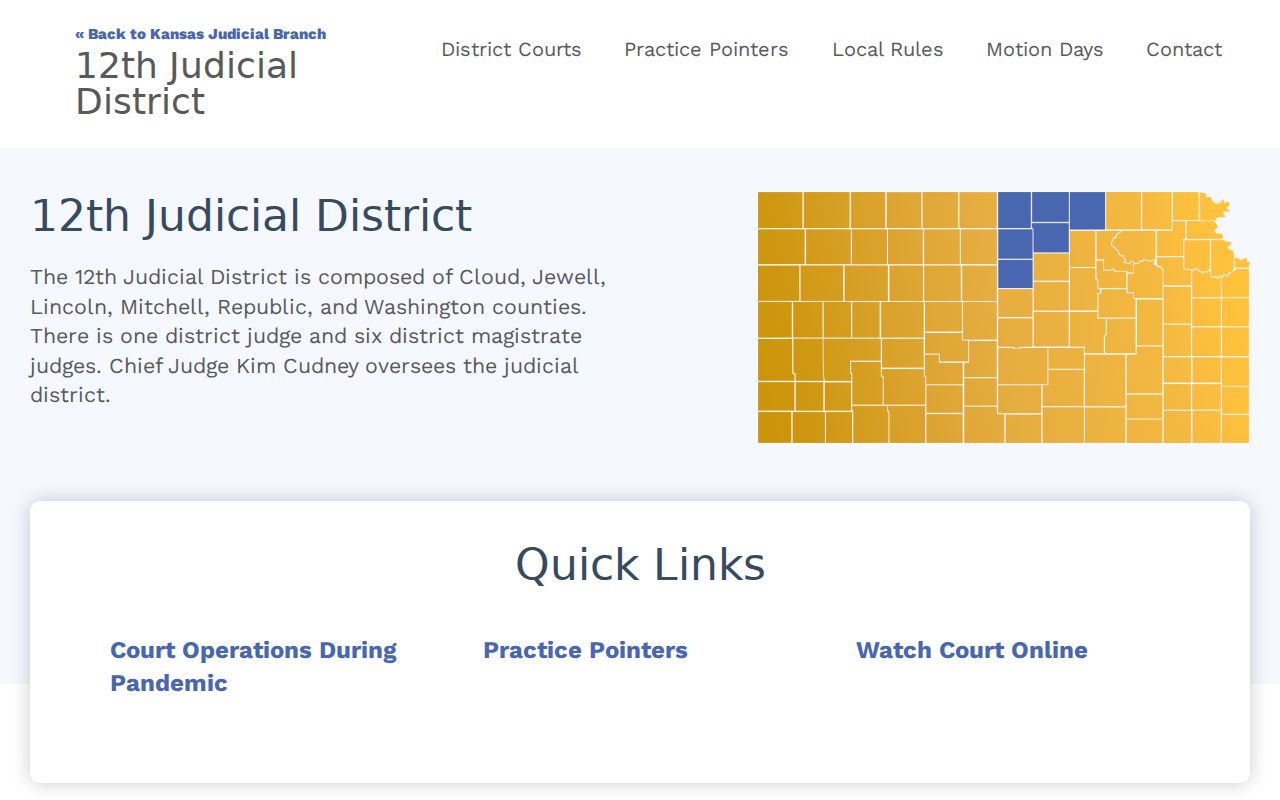
Its district context helps confirm that Cloud County belongs in the Kansas district-court path.
Cloud County Search Without Documents
A missing document icon proves nothing. A public case may predate its court's online document period, or a document category may be excluded from portal access under Supreme Court Rule 22, or the file may simply have an older paper component. Start with the courthouse terminal when the case is public, then ask the clerk for the named filing. Make the request precise: Cloud County, the case number, the document title or event date, and how you want it delivered. Say so if you need a certified copy. The clerk can quote the current process and cost. A portal printout is still just reference information, however official it looks. Kansas Courts eFlex is the attorney filing system, not a guest docket-search workaround, and the public should not use its login screen to chase missing documents.
Which Cloud County Cases Stay Restricted
Some Cloud County court records are closed to the public by rule. Rule 22 keeps adoptions off the public portal. It also closes many juvenile and child-in-need-of-care cases, grand-jury proceedings, expunged cases, protection-order cases, and several other listed categories. The same rule blocks certain document types too. Those include some family filings, juvenile documents, presentence reports, trial exhibits, unexecuted warrants, and probable-cause affidavits. Rule 24 adds a layer on top. It requires protected personal data to be redacted before anything is released. So what you see in a docket search depends on which limit applies. A fully restricted case can return nothing at all. A public case holding a restricted document may show its header and events. The paper itself stays hidden. Redaction works differently still. A name might appear with only a role, a masked number, or a birth year instead of the full value. Each outcome means something distinct, and using another portal to slip past these limits is not allowed. The public terminal at the courthouse draws the same legal line for nonpublic records. What it offers is public material left out of the online court docket. Call the District Court Clerk at 785-243-8124. Ask whether a limited record or a request path exists. Only a statute, a rule, or a court order can change what is open.
Cloud County No-Match Checklist
Start with the basics of your docket search. Confirm District mode, the chosen search type, Cloud County, the exact search term, and the finished human check. A case number must keep its four-digit year, letters, zeros, dashes, and any prefix. People searches require the last name first. A business name needs at least four characters. A citation needs the full ticket number. Then ask whether the case even belongs in this court. A Concordia municipal citation goes to the city court first. Clyde, Glasco, Jamestown, Miltonvale, and Aurora matters start with their municipal clerk. Federal cases live in the federal system. A Kansas appellate record calls for Appellate mode. The court named on your paperwork beats geography as a guide. Finally, weigh a restricted case, a restricted document, an older paper file, or a lag in online timing. Work the chain in order: CaseSearch, the courthouse terminal, the District Court Clerk by phone or counter, then a written court-record request. Is the missing item a hearing? The Cloud County court schedule route explains how to verify the latest setting.